- Case study · CRM
- 7 technologies
OnlyWorkPlace: a CRM that calculates shifts, payouts and ad ROI on its own
 Elvisupdated 10 min read
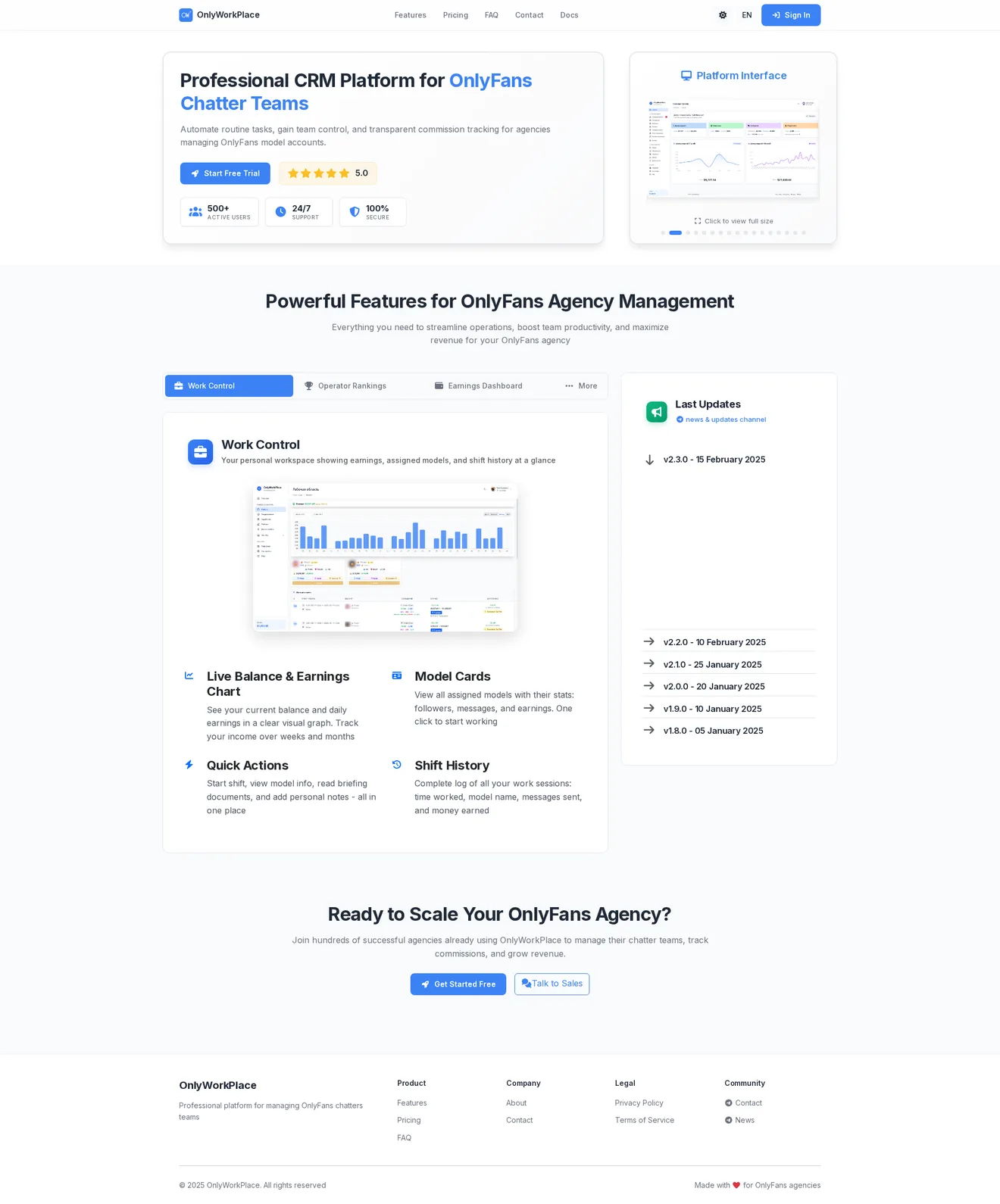
A CRM for an OnlyFans agency with a team of chatters working in shifts. Chatters see their shift and earnings, managers watch every shift as it happens, and the owner sees revenue by model and ad ROI on one screen.
The challenge
The agency ran dozens of accounts at once. Shifts, chatter payouts and commissions lived in spreadsheets, and the weekly report was pieced together by hand from several sources.
A spreadsheet makes it hard to see who is on shift right now, how many messages they sent and what commission the company earned. Ads were worse. Revenue comes in, but tying it to a specific link or platform by hand is close to impossible. Without that link, nobody knows which channel pays off and which one burns the budget.
The agency needed one system for three roles. A chatter takes a shift and sees their balance. A manager sees all shifts and closes them with a payout. The owner gets analytics and knows which ad channel brings in money.
The solution
I built the CRM on Laravel and PostgreSQL. Data updates over WebSocket, so the shift log and dashboard never need a reload. Charts run on Chart.js, the interface on Tailwind CSS, and a Chrome extension is connected to the system.
Each role has its own workspace. A chatter has no use for ROI charts, and the owner has no use for a "Start shift" button, so everyone sees only their part of the work.
Every calculation comes from the same data: the shift, messages, sales and commission. That's why a chatter's payout, a model's KPIs and the revenue from an ad link always agree with each other, which they often didn't across separate spreadsheets.
How the system works
OnlyFans agency dashboard: revenue across all models on one screen
The main dashboard shows 12 revenue metrics: sales, subscriptions, PPV, tips, sales ratio, ATP and monthly recurring revenue. Next to them are two charts, one for 7 days and one for 30.
You can filter by model group and by any date range. The owner opens the dashboard in the morning and sees right away how the week went, how many chatters are working and how many fans are spending money.
Chatter workspace and shift tracking
A chatter sees cards for the models they have access to: subscribers, likes, messages, earnings. If a colleague has already taken the shift, the card says "Busy". If it's free, there's a "Start" button. Balance and pending amount sit at the top, and the brief, notes and chat open from the same page.
Managers work in the shift log. For each shift they see who is working, with which model and since what time, how many messages were sent and received, plus free, paid and PPV stats. They can also end the shift and issue a payment from there.
How the CRM calculates chatter payouts and agency commission
A chatter's earnings are calculated per shift, split into their percentage and the company's commission. The numbers come from the same shift the manager sees in the log, so any payout is easy to check.
For reporting there's a KPI table by model: total revenue, message revenue, new paid subscriptions and renewals, with the change against the previous period. Columns are configurable, and the table exports to CSV.
Ad ROI: link tracking and ROMI
Each ad campaign gets its own link, for example one for Twitter and one for a blog. For each link you see clicks, how many people became subscribers, conversion rate, subscriptions over 14 days, revenue, promo cost and net profit. ROMI is calculated automatically, and a totals row sums up all campaigns.
A separate module wins back fans who left. You turn on auto-subscribe for a model to target fans whose subscription expired, and counters show how many came back in a day, a week and a month, and how much they brought in.
Spender tracking, fan analytics and chatter leaderboard
The spenders table shows who spent how much over a period, with filters by last purchase date and total spend. A "Chat" button opens the conversation straight from the table, which helps with repeat sales. Analytics compares the period with the previous one and shows the best day of the week, the best hour and the top fans.
To keep chatters competing, there's a leaderboard: the top 10 by earnings for the day, week and month. In the hall of fame each chatter has a profile with a rank, and progress to the next rank is based on the total of their large sales.
Features
- Agency dashboard: 12 revenue metrics by type in real time
- Operator workspace: shifts, balance, payout history
- Shift control: a log with earnings, messages and commissions
- Paying fan tracking and a subscription funnel for every fan
- Revenue analytics with a period comparison chart and top fans
- KPI table by model with CSV export
- Link tracking: clicks, conversion and ROMI for every campaign
- Auto-follow for unsubscribed fans to win the audience back
- Operator leaderboards and a hall of fame with ranks
Screens
SCREEN 1
Main dashboard - all agency analytics
Open the dashboard and you see the full picture across all models: total weekly revenue, active operators, subscribers and spending fans. 12 metrics on one screen: revenue from sales, subscriptions, PPV and tips, sales ratio, ATP and monthly recurring revenue. Two charts cover 7 and 30 days. Everything can be filtered by model group and any date range.
SCREEN 2
Work - the operator workspace
An operator logs in and sees cards for every model they have access to. Each card shows subscribers, likes, message count and the model's accumulated earnings. If someone else has the shift, the button says "Taken". If it is free, it says "Start". Balance and pending amount sit at the top of the page. Info, Brief, Notes and Chat buttons are right on the card, so nobody has to switch tabs.
SCREEN 3
Work control - a log of every shift
Managers see all active and finished shifts in real time: who is working, with which model, since what time. For each shift: messages sent and received, free/paid/PPV stats, and operator earnings with the percentage and the company commission amount. Filters by status, model, operator and period. You can end a shift and issue a payment right from the log.
SCREEN 4
Paying fans - who spends and how much
A table of fans who made purchases in the selected period. Filter by how recently they were active (0-3 days, a week, a month, 30+ days) and by spend ($100+, $200+, up to $1000+). You see which model the fan belongs to, how much they spent in the period and the date of their last purchase. The "Chat" button opens the conversation right from the table, which helps with repeat sales.
SCREEN 5
Analytics - revenue breakdown and comparison
Detailed analytics for all models or a single one. Four key numbers: total revenue, monthly recurring revenue, active fans per month and average revenue per fan. The chart compares the current period with the previous one, and a dotted line shows whether you are growing or falling. The best day of the week and the best hour of the day are highlighted separately. On the right: top fans by spend, with name and amount.
SCREEN 6
KPI reports and fan analytics
The KPI table breaks revenue down by model: total revenue, revenue from messages, new paid subscriptions (count and amount) and renewals, with the change from the previous period in percent. Columns are configurable, and you can export to CSV. The "Fans" section has a separate table for every buyer: total spent, number of purchases, average order, average weekly spend and last purchase date. Filters help you find the audience segment you need.
SCREEN 7
Marketing - link tracking and ROI
Create a unique link for each ad campaign: Twitter, a blog, other platforms. For each link you see clicks, how many became subscribers, conversion, subscriptions over 14 days, revenue, promo cost and net profit. ROMI is calculated automatically. A total row at the bottom sums up all campaigns. You can see at a glance which channel pays off and which one burns the budget.
SCREEN 8
Automation - winning back lost fans
Auto-follow for fans whose subscription expired can be turned on for each model separately. The system follows them automatically, so they see the model in their feed again and some of them come back. Counters show how many fans were won back today, this week, this month and in total. The "View revenue" button next to them shows how much the returning fans brought in.
SCREEN 9
Leaderboards and Hall of Fame
The leaderboard shows the top 10 operators by earnings for today, the week and the month. There is a leaderboard for your own agency and a global one across all platform users. The Hall of Fame is a personal profile with a nickname and a rank (Rookie, Amateur and up). Progress to the next rank is based on the total of large sales. A table of recent large deals shows the operator, manager, amount and transaction type.
Results
- accounts managed
- 29+
- processed through the system
- $3M+
- Over $3M in transactions processed through the system
- 29+ accounts in operation
- Payouts and commissions are calculated automatically, with no spreadsheets
- ROI for every ad channel is visible in a single table
Tech stack
- Laravel
- PHP
- PostgreSQL
- WebSocket
- Chart.js
- Tailwind CSS
- Chrome Extension
Who it is for
Agencies with chatters on shifts who are tired of reconciling payouts and KPIs in spreadsheets and want to see which ad channel pays off.
Project FAQ
How long does it take to set up a CRM for an agency?
It depends on the number of models and roles, and on whether you need changes to fit your processes. If the current set of modules works for you, you can start sooner. Message me on Telegram at @ElvisOnlyDev, tell me about your team, and I'll give you a timeline.
Can the system be adapted to my agency's payout scheme?
Yes. The chatter's percentage and the company's commission are calculated per shift, and the calculation logic can be set up for your scheme. Custom reports and extra KPI table columns can be added too.
What is the CRM built with?
The backend runs on Laravel and PostgreSQL, live updates go over WebSocket, charts use Chart.js and the interface is built with Tailwind CSS. A Chrome extension is connected to the system.
Can chatters see other models or the agency's finances?
No. A chatter sees only the models they have access to, their own shifts, balance and payout history. Agency and ad analytics are available to managers and the owner.
Ready to automate your business?
A 30-minute call: we go through your processes, pick what to automate first and estimate the timeline.
- CRM
- Traffic
- Bots
- AI
- Analytics
- Integrations
- Websites
Need something similar
- CRMMeowtrics CRMA CRM for an OnlyFans agency that brings staff, content plans, the media library, traffic and tasks together. You log in and see what's happening in the team right now.
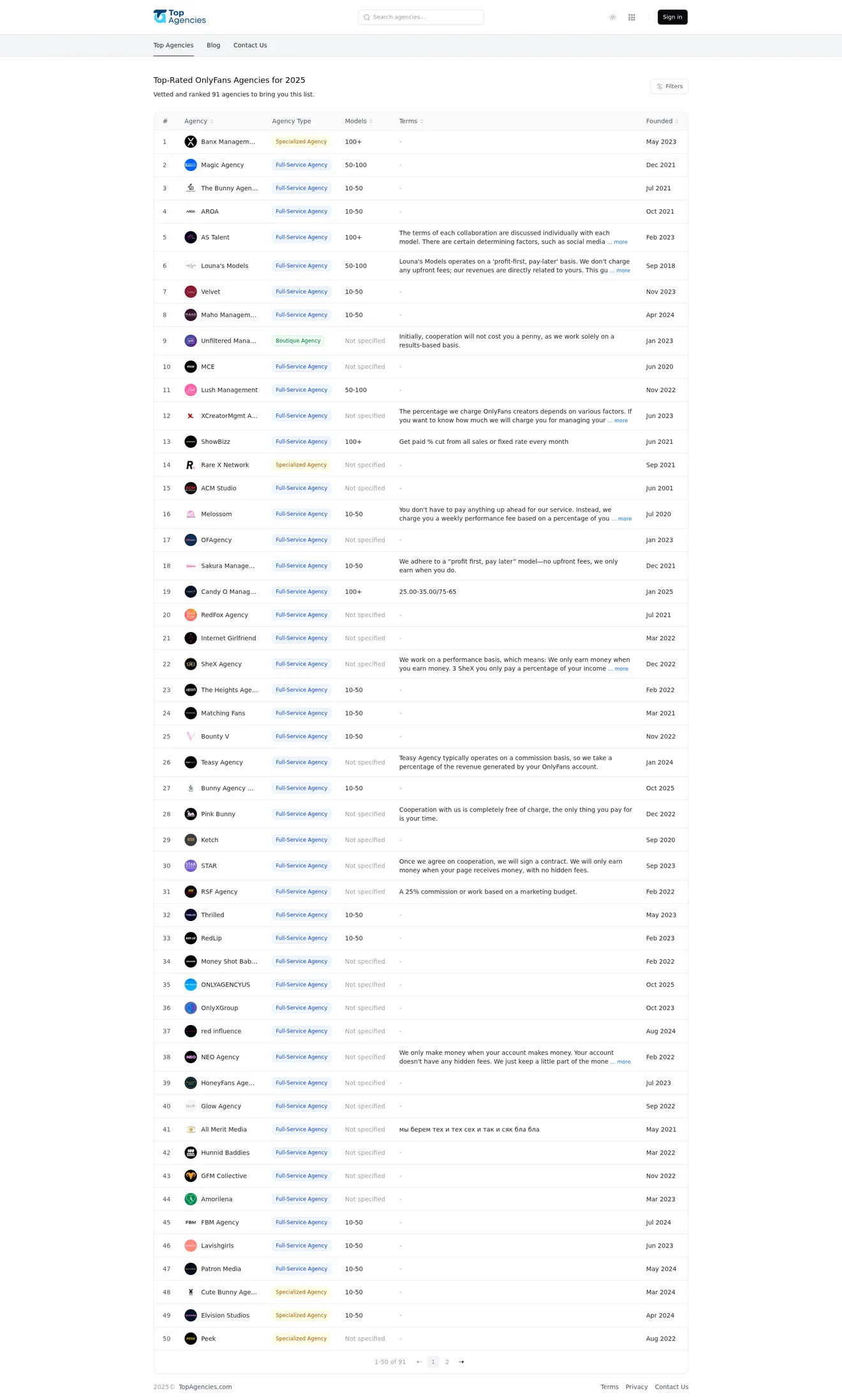
- CRMTopAgenciesA B2B directory of agencies with verification, ratings, filters and an educational blog. Here agencies are compared by their terms and reviews, not by ad promises.
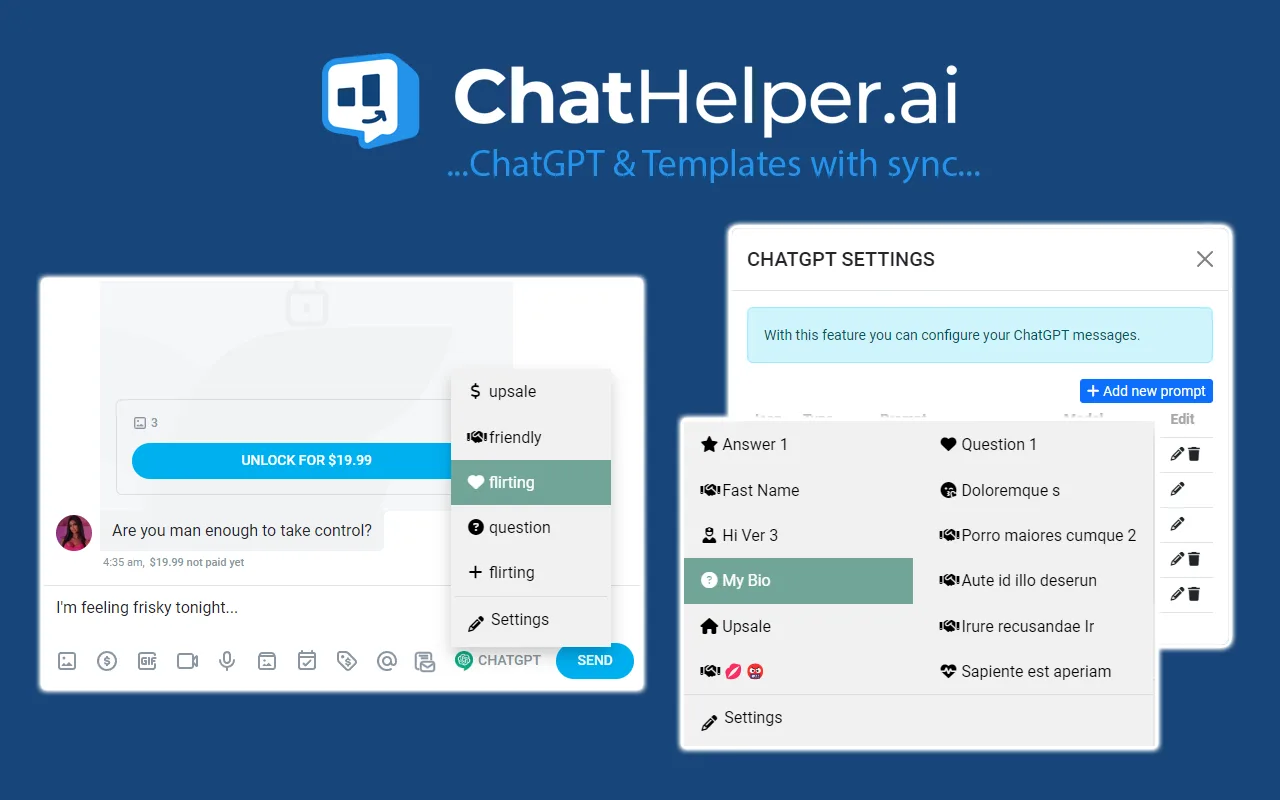
- Extensions · 1000+ usersChatHelperAn extension for OnlyFans chatters: reply templates, ChatGPT, mass messages, a fan profile card and revenue tracking per chatter, all inside the platform's interface without switching tabs.