- Case study · Extensions
- 6 technologies
ChatHelper: an extension that handles the chatter's routine work
 Elvisupdated 6 min read
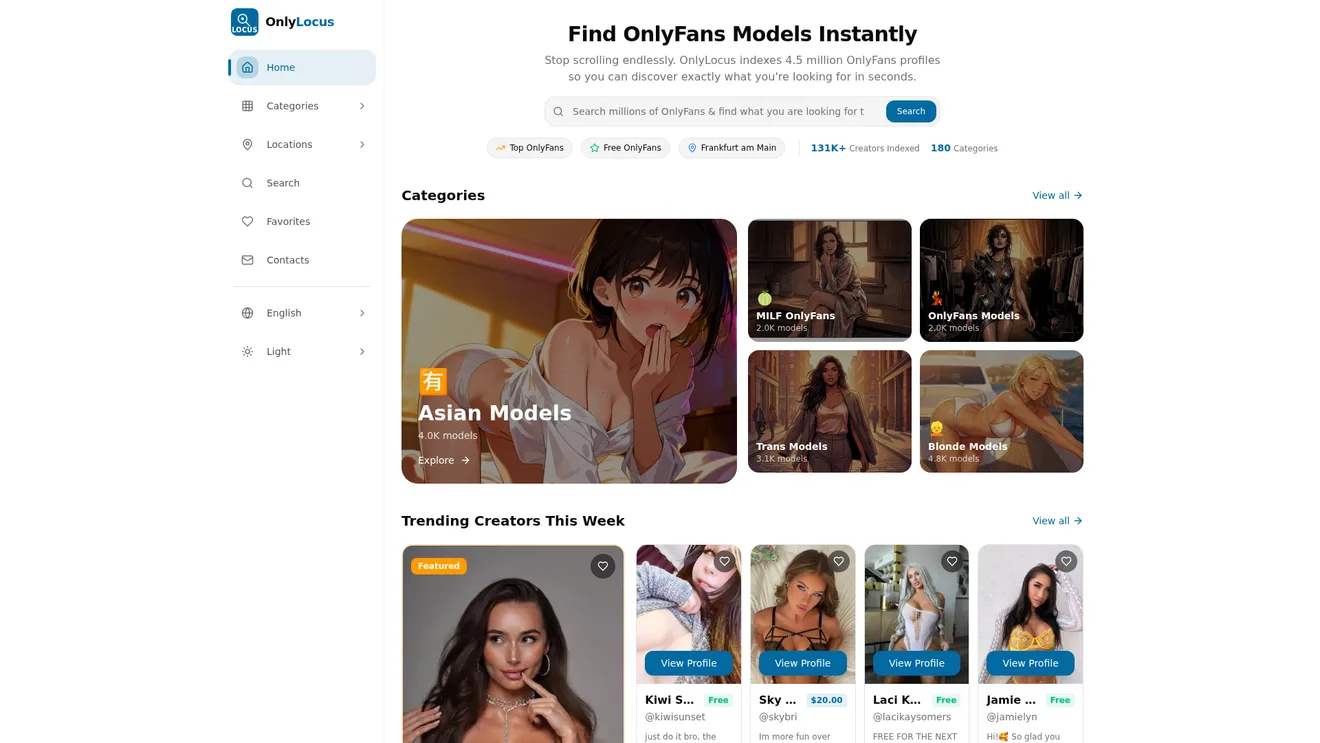
An extension for OnlyFans chatters: reply templates, ChatGPT, mass messages, a fan profile card and revenue tracking per chatter, all inside the platform's interface without switching tabs.
The challenge
A chatter spends the whole day in the browser and gives the same replies over and over: greetings, flirting, upsells, answers to common questions. Typing them from scratch each time is slow, and copying them from notes is clumsy.
The tools they needed were spread across different services. Templates were in one place, ChatGPT in another tab, and the manager tracked revenue per chatter in a spreadsheet. Jumping between windows ate time and led to mistakes. On top of that, the manager couldn't quickly say how much each chatter brought in per shift.
The team needed a tool built right into the working chat. A chatter shouldn't have to leave the conversation to paste a template, get an AI suggestion or check what a fan has already bought.
The solution
I built a Chrome extension with React and TypeScript. It adds its own buttons and panels to the platform's interface and gets data over REST API and WebSocket.
Templates are stored in the cloud and synced across the whole team. If a manager edits a text, chatters on other devices see the new version right away. Chat analytics are collected in the background without getting in the way.
I put everything into one window because every tab switch breaks the rhythm of a conversation. The fewer moves a chatter has to make, the more chats they can handle per shift. So I tried to make every feature available from the page where the chatter already works.
How the system works
One-click reply templates for chatters
A chatter opens a conversation with a fan and inserts ready-made text in one click: a flirty line, an upsell or an answer to a question. The template set is shared by the team and stored in the cloud. If a manager edits a template on their computer, the change shows up for every chatter.
This way a new hire writes with the same wording as experienced colleagues from day one, and the team lead changes a text in one place for everyone.
ChatGPT inside OnlyFans chats
The extension adds a ChatGPT button to the OnlyFans interface. A chatter sets up prompts for each model in advance, and the AI writes a reply in the right style in seconds.
Prompts for a model are set once. After that the chatter gets replies in her style without rewriting the request in every conversation.
Mass messages to fans with filters and stats
You can send a message to every fan who is online, or only to those who spent less than a set amount. Fans who already bought the content can be excluded so they don't get extra messages.
Each mass message has its own stats: how many were delivered and how many were opened. There's also a post scheduler so posts go out on time.
Fan profile card, labels and chat filters
A fan card opens next to the conversation: how much they spent, when they subscribed, what they bought. You can leave a private note so the next chatter on shift knows the context.
Chats get color labels such as "hot lead", "waiting for reply" or "already bought". You can filter chats by label, so the right conversations don't get lost among hundreds.
Revenue tracking per chatter per shift
The manager sees how much each chatter earned per shift, after the platform's fee and the chatter's own percentage. The numbers are collected automatically for each account, and spreadsheets are no longer needed for this.
Features
- GPT-based AI auto-replies
- Mass messaging with a scheduler
- Detailed chat analytics
- Synced reply templates
Screens
SCREEN 1
Templates right in the chat
An operator opens a conversation with a fan and inserts a ready-made text in one click: flirting, an upsell, an answer to a question. No need to type the same thing from scratch every time. Templates are stored in the cloud and sync across the whole team at once.
SCREEN 2
ChatGPT inside the conversation
The extension adds a ChatGPT button right into the OnlyFans interface. Operators set up their own prompts for each model, and the AI writes a reply in the right style within seconds. Less thinking, more earning.
SCREEN 3
Mass messages with filters
Send messages to all online fans at once, or only to those who spent less than a set amount. You can exclude people who already bought the content and avoid wasting time. Every broadcast comes with detailed stats: how many were delivered and how many were opened.
SCREEN 4
Revenue tracking by operator
Managers see how much each operator earned per shift, accounting for the platform fee and the chatter's own percentage. Nobody has to do the math in spreadsheets anymore. All numbers are collected automatically for every account.
SCREEN 5
A CRM card for every fan
A fan card opens next to the conversation: how much they spent, when they subscribed, what they bought. The operator immediately knows who they are talking to and what to offer. You can add a personal note so the next operator is up to speed.
SCREEN 6
Labels and chat filters
Conversations can be tagged with colored labels: hot lead, waiting for a reply, already bought. Filter chats by tag and work only with the audience you need. Nothing gets lost among hundreds of conversations.
Results
- users
- 1000+
- average rating
- 4.8 of 5
- Over 1,000 users
- Average rating of 4.8 out of 5
- A template or AI reply takes one click
Tech stack
- Chrome Extension
- React
- TypeScript
- AI/GPT
- WebSocket
- REST API
Who it is for
Chatter teams who work in the browser all day, repeat the same actions and want faster replies without moving to another platform.
Project FAQ
How do I start using the extension?
The extension is published in the Chrome Web Store, and the link is on the project page. If you need a version for your team or custom features, message me on Telegram at @ElvisOnlyDev.
Can you build a similar extension for my platform or workflow?
Yes. The extension plugs into a site's interface and adds the buttons and panels you need. The feature set and timeline depend on the task, so it's best to discuss them in a chat.
What is the extension built with?
React and TypeScript, with data exchange over REST API and WebSocket. Reply suggestions run on GPT.
Does the extension help new chatters?
Yes, it's especially useful for them. From day one a new hire uses the team's shared templates and AI suggestions with model-specific prompts. The fan card and colleagues' notes tell them who they're talking to and what to offer.
Ready to automate your business?
A 30-minute call: we go through your processes, pick what to automate first and estimate the timeline.
- CRM
- Traffic
- Bots
- AI
- Analytics
- Integrations
- Websites
Need something similar
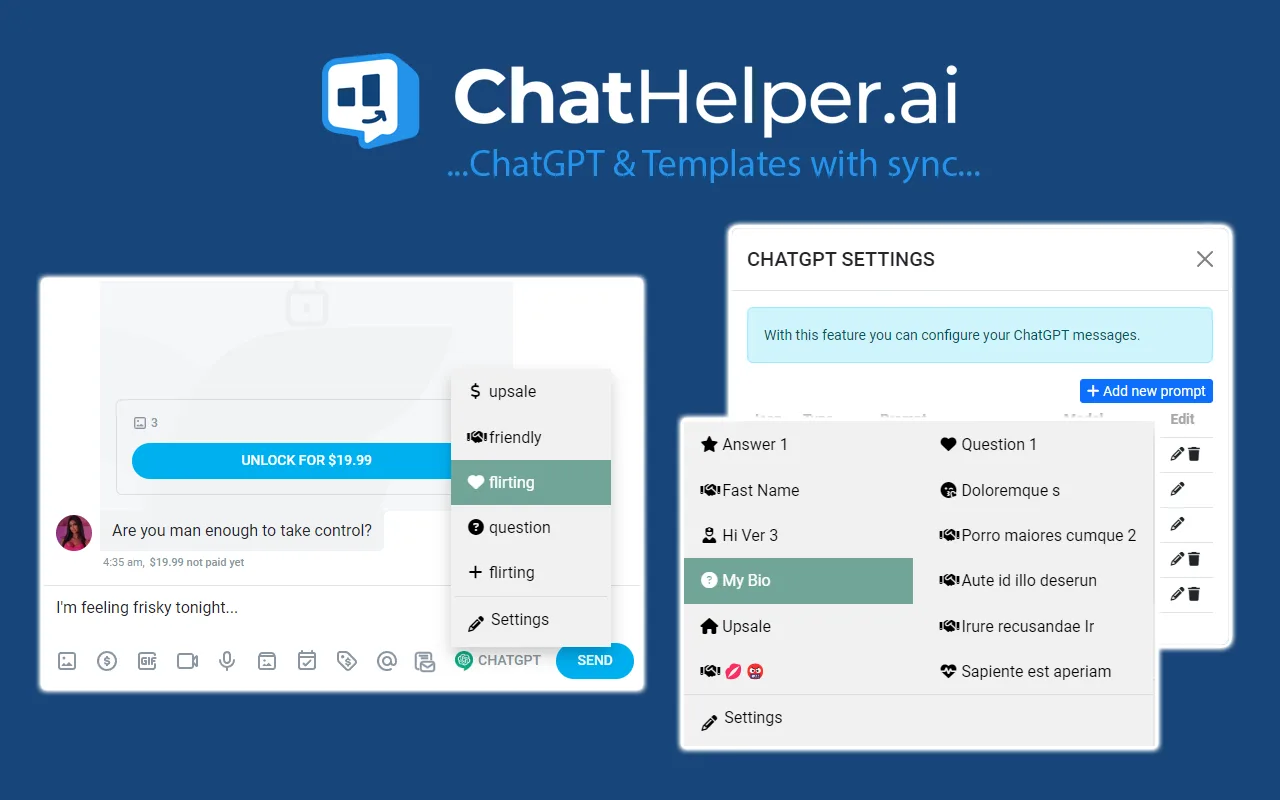
- ExtensionsOnlyToolsA Chrome extension with reply templates, priority mass messages, chat labels and online audience tracking. It all works inside the platform's interface, so chatters don't have to switch between tabs.
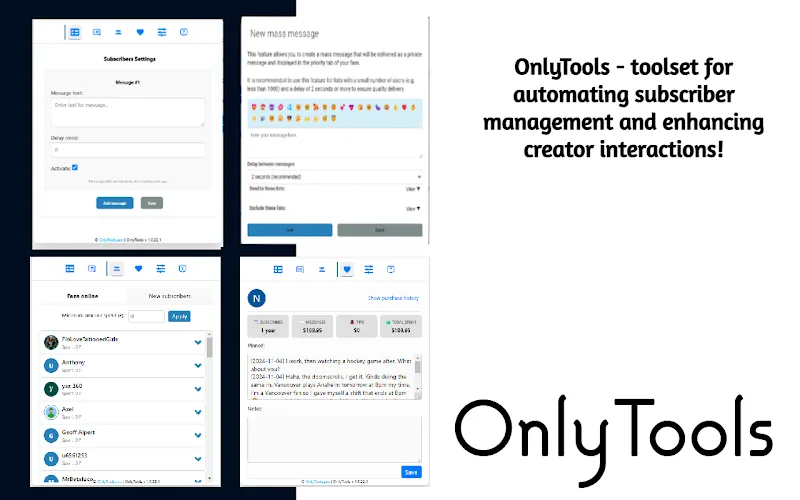
- CRM · 29+ modelsOnlyWorkPlaceA CRM for an OnlyFans agency with a team of chatters working in shifts. Chatters see their shift and earnings, managers watch every shift as it happens, and the owner sees revenue by model and ad ROI on one screen.
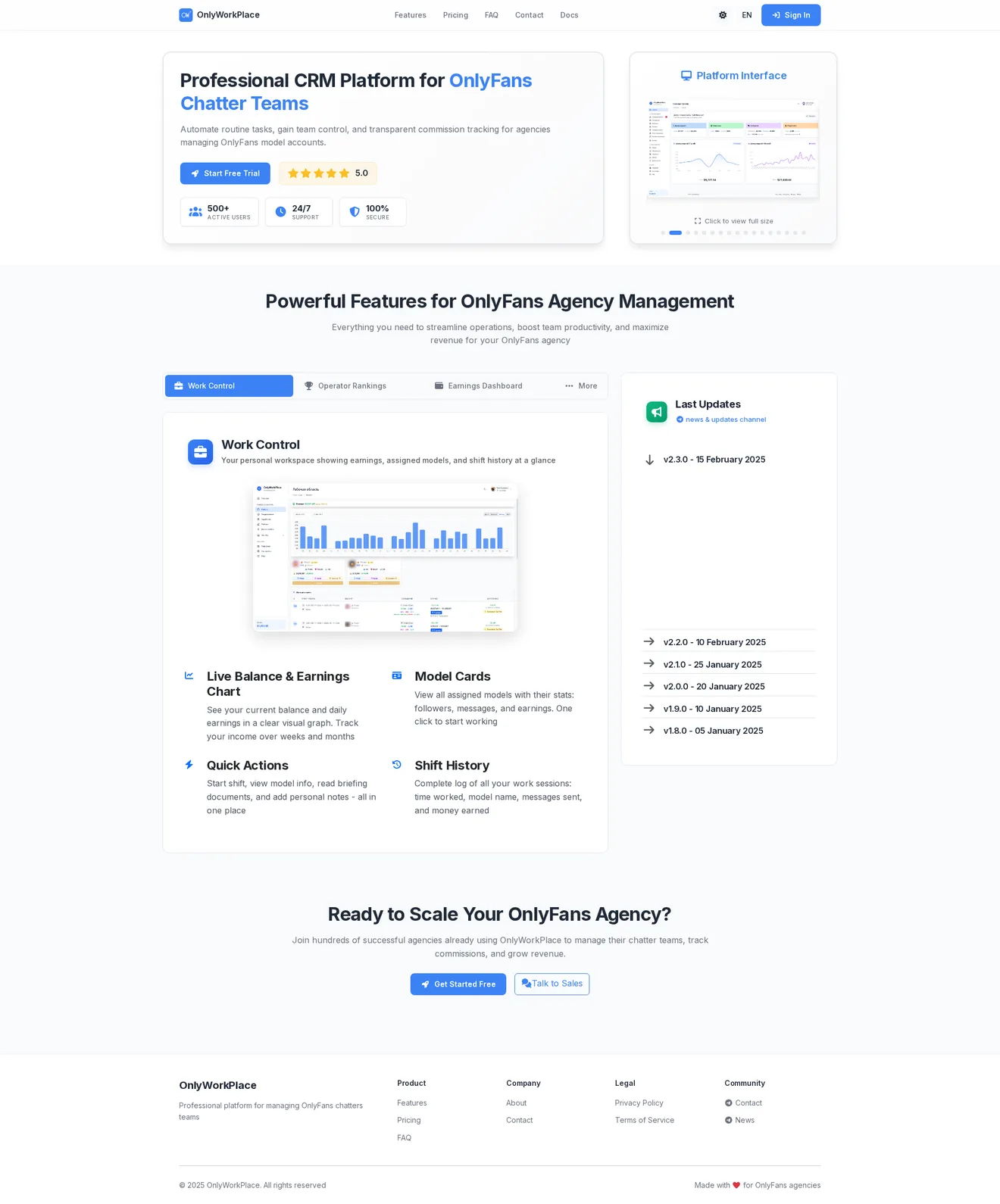
- Web · 4.5M+ profilesOnlyLocusA searchable directory of OnlyFans models with filters by category, country and city, four interface languages and fast results on large data volumes.